AI Education Presentation Maker
MakerPPT provides access to professional and free AI Education PPT maker online. Turn your ideas into impressive presentations in seconds. Try now and increase productivity.
learning methodologies
Explore our AI-powered presentation maker designed to simplify the creation of engaging presentations on diverse learning methodologies. Effortlessly generate insightful and visually appealing slides that capture the essence of each teaching approach.
curriculum development
Discover an innovative AI-powered tool designed to streamline the creation of curriculum development presentations. Elevate your educational materials with automated content suggestions and dynamic design enhancements tailored for educators.
student engagement
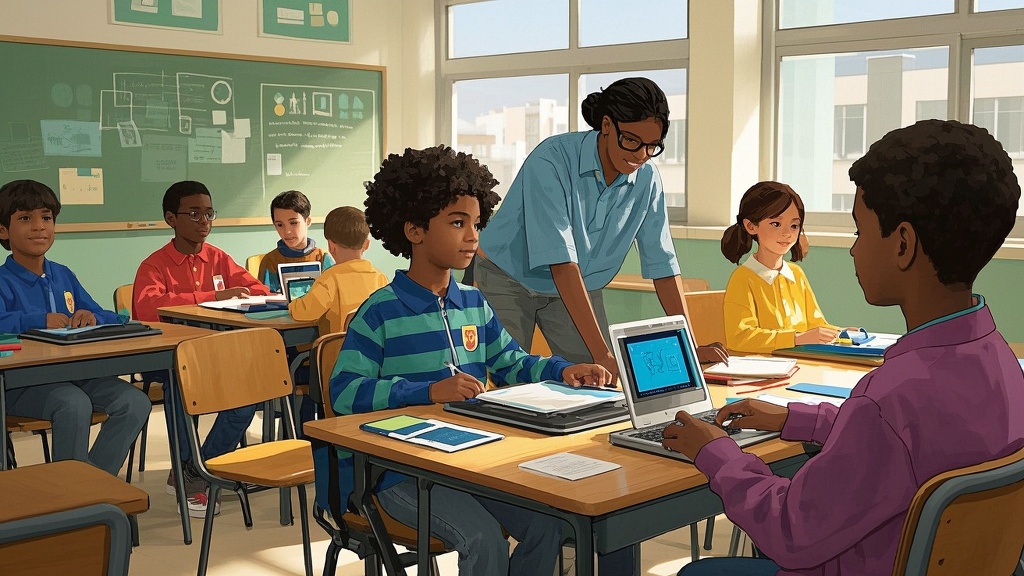
Enhance your classroom experience with our AI-powered Student Engagement Presentation Maker. Effortlessly create interactive presentations that captivate and involve students, boosting their interest and participation in learning.
teacher professional development
Enhance your teacher training sessions with our AI-driven Presentation Maker, designed to streamline the creation of engaging and customized professional development materials, tailored to meet the diverse needs of educators. Empower your team with innovative tools that simplify content delivery and inspire effective teaching practices.
educational technology
Discover our innovative AI Educational Technology Presentation Maker, designed to effortlessly transform your educational content into engaging presentations. Enhance learning experiences with dynamic visuals and automated insights, allowing educators to focus on teaching.
Best Education Presentation Examples


Popular Prompts Using AI Education PPT Maker
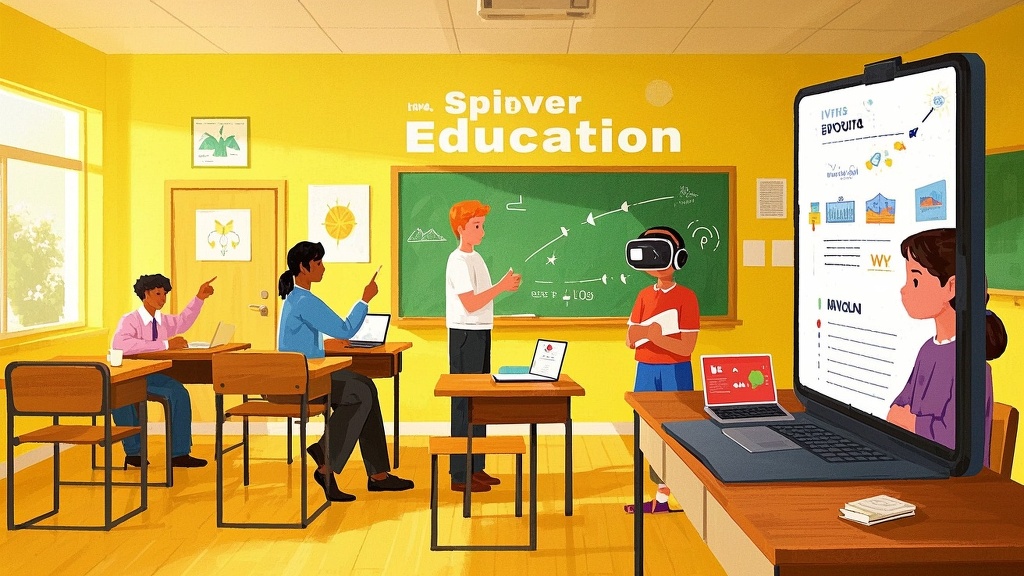
1、Create a presentation that explores the evolution of educational methods from traditional classrooms to modern digital learning environments, highlighting key milestones along the way.
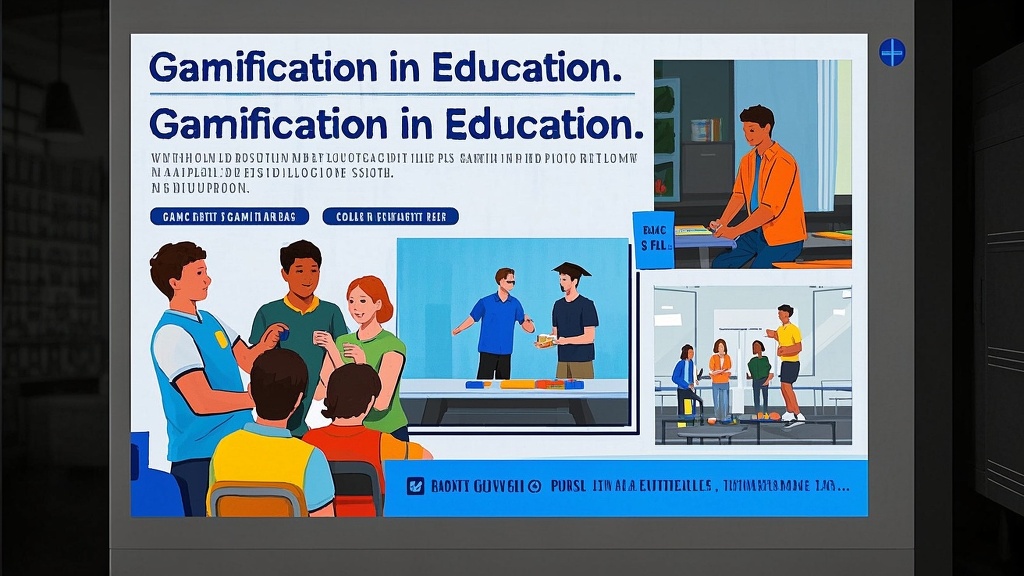
2、Design a presentation that introduces the concept of 'gamification in education,' showcasing its potential impacts on student engagement and learning outcomes.
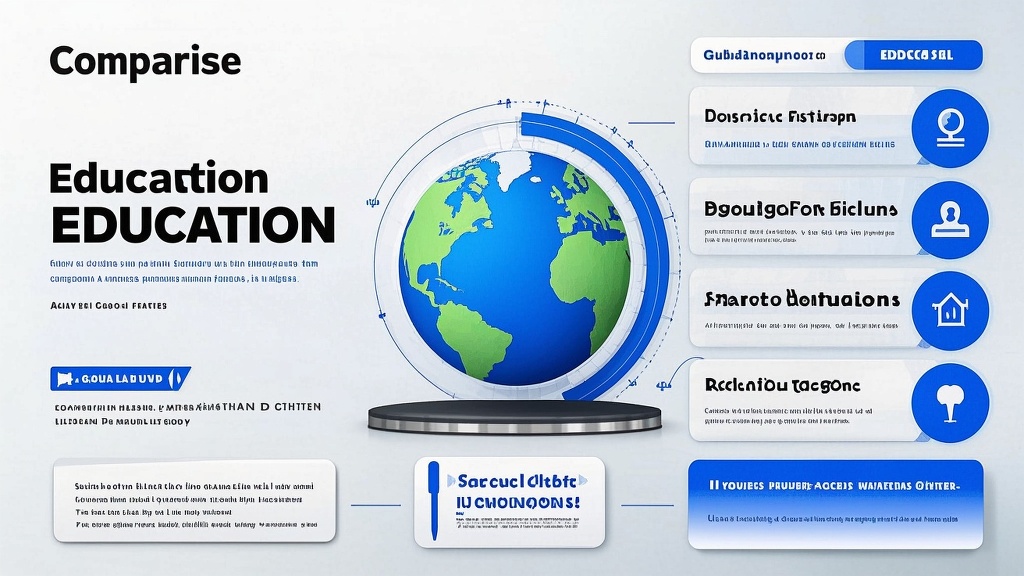
3、Develop a presentation that compares and contrasts different global educational systems, examining the strengths and challenges of each approach.
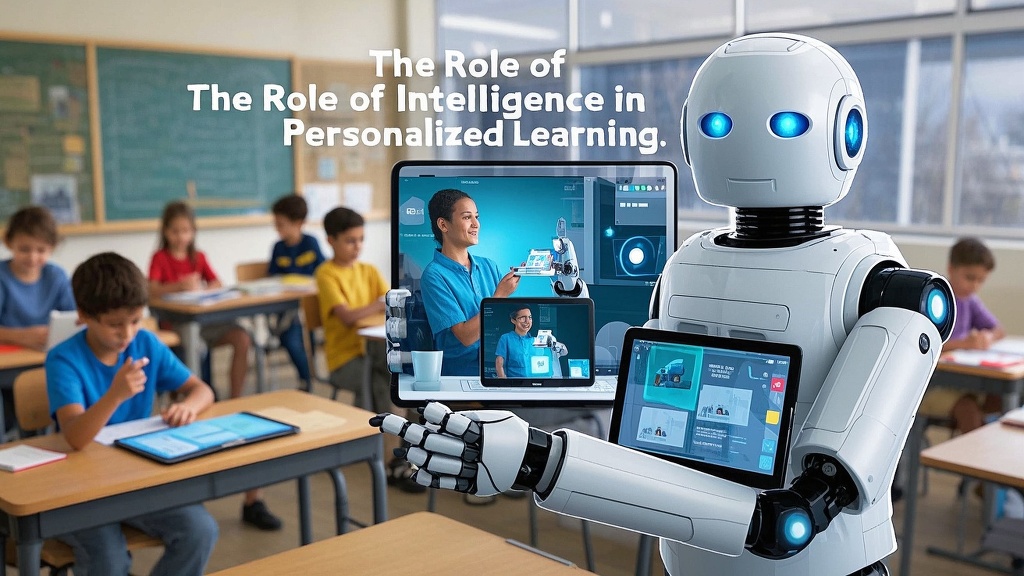
4、Craft a presentation discussing the role of artificial intelligence in personalized learning, and how AI technologies can help tailor educational experiences to individual student needs.
5、Generate a presentation on the importance of inclusive education and the strategies used to accommodate diverse learning styles and abilities in a classroom setting.
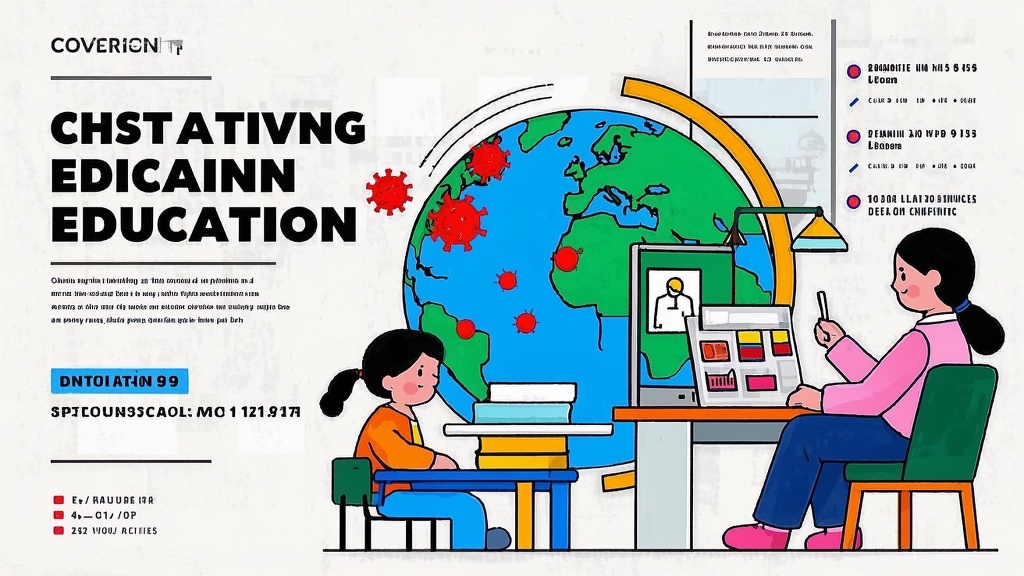
6、Prepare a presentation that delves into the impact of COVID-19 on education systems worldwide, focusing on the transition to online learning and its long-term implications.
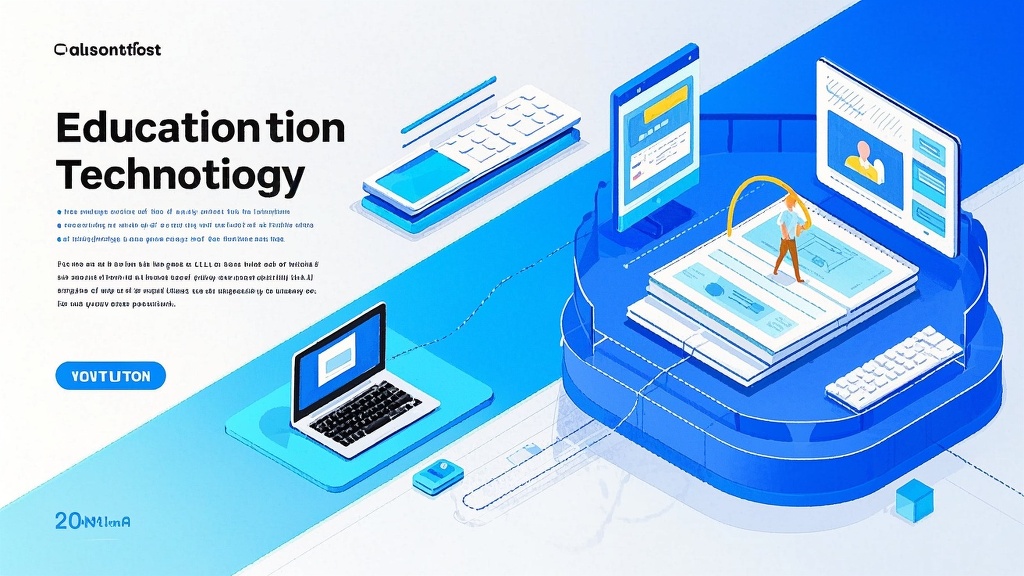
7、Compose a presentation exploring the intersection of education and technology, highlighting innovative tools and platforms that are shaping the future of learning.
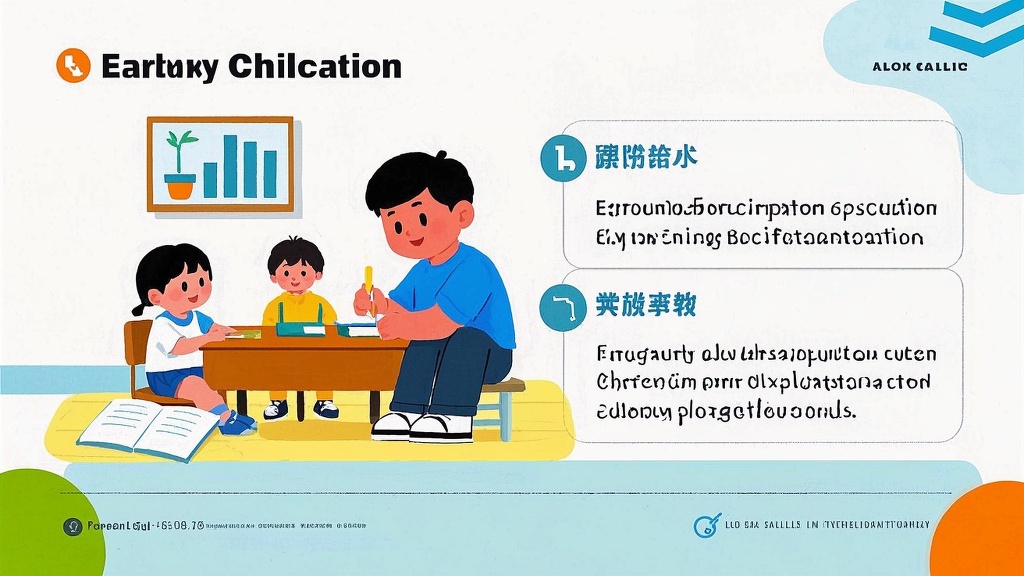
8、Assemble a presentation that investigates the significance of early childhood education, emphasizing the foundational skills and concepts crucial for lifelong learning success.
Ideal Users for the AI Education Presentation Maker
School Administrator
A school principal or administrator looking to present annual educational program improvements and outcomes to the school board. They want to showcase achievements, outline strategic goals, and secure funding for future projects.
Teacher
A high school teacher preparing a presentation for a professional development workshop. They aim to share innovative teaching methods and engage colleagues in adopting new approaches to enhance student learning outcomes.
EdTech Entrepreneur
An entrepreneur founder of an EdTech startup creating a pitch presentation for potential investors. They seek to demonstrate how their technology can transform traditional education methods and improve student engagement and performance.
Parent Association Member
A member of a parent-teacher association preparing to present a proposal for a new after-school program. Their objective is to highlight the benefits of the program, including improving student enrichment and community involvement.
University Researcher
A university researcher developing a presentation for an academic conference on education. They focus on presenting their recent study findings on educational trends and effective learning strategies to a community of academic peers.
Government Education Official
A government official responsible for education policy creating a presentation to outline new educational reforms. Their goal is to communicate the impact and need for policy changes to stakeholders, including educators, parents, and lawmakers.
FAQ
Q: What are the key elements to include in a presentation on education?
A: Key elements to include in a presentation on education are a clear introduction stating the purpose, well-organized sections or topics, supporting data and statistics, engaging visuals such as graphs or images, and a strong conclusion summarizing key points. Make sure to tailor your content to the audience's interests and needs.
Q: How can I make my educational presentation engaging for the audience?
A: To make your educational presentation engaging, include interactive elements like polls or Q&A sessions, use storytelling to relate personal or real-world examples, and incorporate multimedia such as videos or animations. Maintain eye contact and encourage participation by asking questions or involving the audience in discussions.
Q: How do I choose the right visual aids for my education presentation?
A: Choose visual aids that complement and enhance your spoken content, such as slides with key bullet points, charts, and infographics to illustrate data points. Ensure visuals are clear and not overcrowded with information. Use a consistent design theme to maintain a professional appearance throughout your presentation.
Q: What are some effective ways to prepare for delivering an education presentation?
A: Effective preparation includes practicing your presentation multiple times, ideally in front of a test audience to get feedback. Familiarize yourself with the presentation technology you'll be using, rehearse your timing, and prepare for potential questions. Remain flexible to adjust based on audience needs and reactions.
Q: How should I handle technical difficulties during an educational presentation?
A: Stay calm and composed if you encounter technical difficulties. Have a backup plan, such as printed handouts or backup devices like a USB with presentation files. Communicate with the audience about the issue and engage them with a discussion or Q&A while you resolve the problem. It helps to check your equipment beforehand to minimize potential issues.